Confirm machine records
Log model names, serial context, charger type, brush or pad setup, and the location where operators will store daily inspection notes.
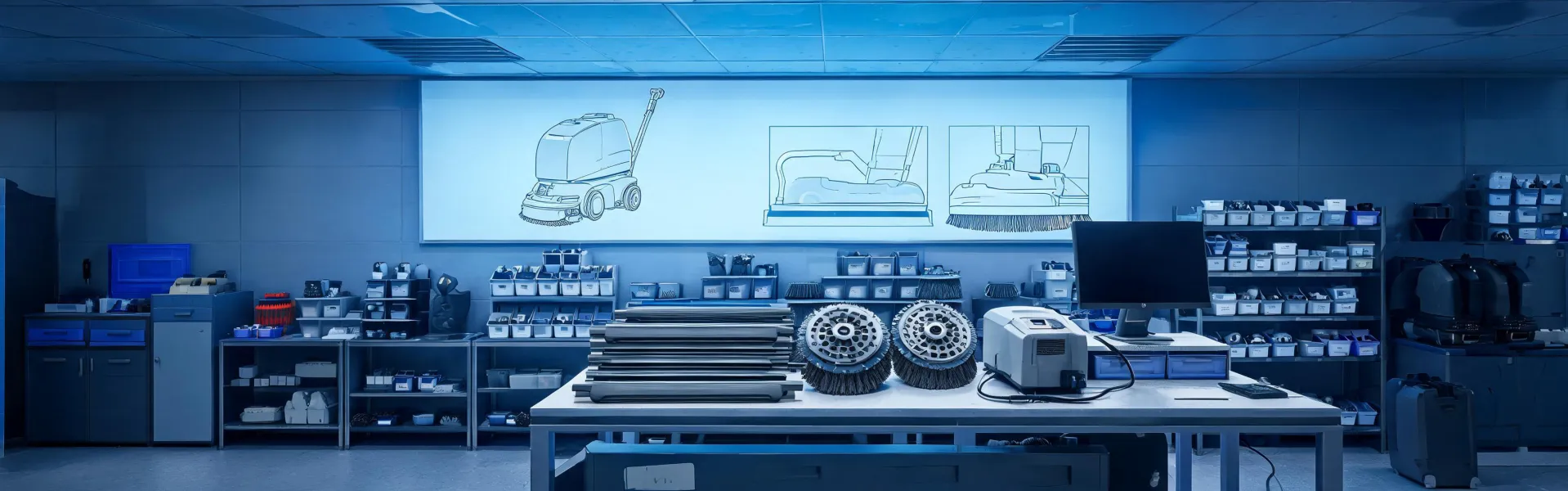
Fleet support
Use this support path to organize machine records, replacement wear parts, dealer questions, operator training, and maintenance timing before small issues turn into downtime.
Roadmap
The roadmap adapts the route-map structure of the selected layout into a practical fleet support timeline. It avoids broad promises and instead gives facility teams a sequence of checkpoints they can assign to purchasing, maintenance, and shift supervisors.
Log model names, serial context, charger type, brush or pad setup, and the location where operators will store daily inspection notes.
Define reorder signals for squeegees, brushes, pads, filters, and battery accessories so downtime is not created by a missing wear item.
Check recovery tank cleanup, charging behavior, debris disposal, and end-of-shift reporting while habits are still easy to correct.
Compare runtime, coverage, and parts usage to the original assumptions, then update the machine plan for the next operating period.
Support tools
Requests are organized by machine family, site type, and support need so the next contact starts with useful context.
Operators can keep the basic routine short: inspect, fill, clean, recover, charge, and record wear items.
Critical wear parts, planned consumables, and seasonal spares are separated to simplify purchasing decisions.
Support network
Owns the cleaning window, operator assignment, floor access, and daily issue reporting.
Tracks batteries, chargers, brushes, squeegees, filters, and inspection intervals.
Uses the documented parts list and service notes to avoid vague replacement orders.
Receives model context and site notes before troubleshooting or recommending parts.
Maintenance trade-offs
Most downtime traces back to a small number of consumable and battery choices. This comparison weighs them so a maintenance plan is a documented decision, not a default reorder.
| Decision | Option A | Option B | Trade-off / limit |
|---|---|---|---|
| Scrub media | Cylindrical brush (lifts packed grit) | Pad on driver (polish, film) | Brushes wear faster on smooth floors; pads load up on heavy debris |
| Battery type | Flooded lead-acid (lower cost) | Sealed / AGM or lithium (less upkeep) | Flooded needs watering and ventilation; sealed costs more up front |
| Charging | Overnight single charge | Opportunity charging on breaks | Opportunity charging extends runtime but shortens some battery lives if mismanaged |
| Parts sourcing | Stock locally | Order on demand | Local stock ties up cash; on-demand risks a stock-out becoming downtime |
Support request
Send model context, floor conditions, and the issue you are solving. Minuteman support can route your inquiry with fewer back-and-forth messages.